In modern IT operations, having clear visibility into alerts, events, and incidents across tools is critical for fast resolution and efficient collaboration. Recently, we integrated Opsgenie with MicroFocus(Opentext) OBM and ServiceNow (SNOW) in a way that closes the feedback loop: Opsgenie alerts not only trigger incidents downstream, but also reflect incident updates back from ServiceNow.
In this post, I’ll share how we achieved this integration using custom adapters, and what benefits it brought to our operations.
The Problem We Solved
Our initial setup looked like this:
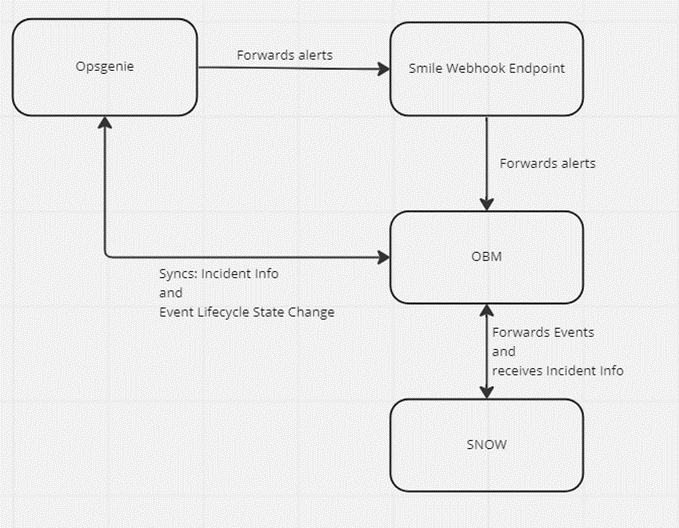
- Opsgenie generates alerts and forwards them to OBM using a custom-developed adapter (We call it smile webhook adapter).
- OBM processes the events and forwards them to ServiceNow, where incidents are created or updated.
- However, once an incident was created or updated in ServiceNow, this information wasn’t visible in the original Opsgenie alert.
👉 This meant our operations team had to switch between tools to check the incident status, slowing down response times and introducing potential for miscommunication.
Our Solution: Closing the Loop
We designed an architecture that not only forwards alerts from Opsgenie to OBM and SNOW, but also updates the same Opsgenie alert with the incident details.
Here’s how:
1️⃣ Opsgenie alert → OBM event
Our internal adapter pushes alert data to OBM.
2️⃣ OBM forwards to SNOW
The event creates or updates an incident in ServiceNow.
3️⃣ OBM Event Processing Adapter
We developed an event processing adapter within OBM that:
- Listens for ServiceNow incident updates tied to the OBM event.
- Updates the OBM event with ServiceNow incident details (e.g. incident number, URL, status).
- Pushes these details back to Opsgenie by updating the original alert using the Opsgenie API.
How it works?
Download the Groovy Adapter, below:
Login to OBM and do the following:
- Go to Connected Servers section
- Click on Manage Scripts and copy the downloaded groovy script content
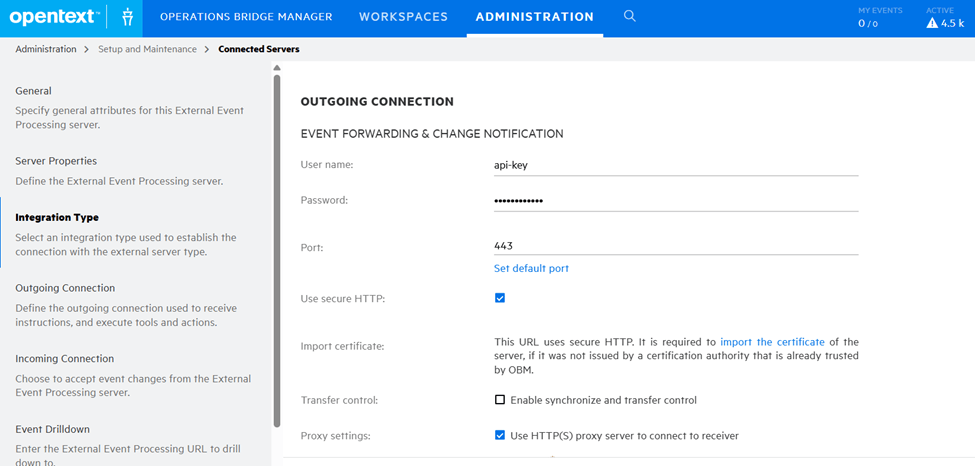
- Now under External Event Processing, create a new server connection

In the connection, add username, api-key and password: opsgenie-auth-key to list, update alerts
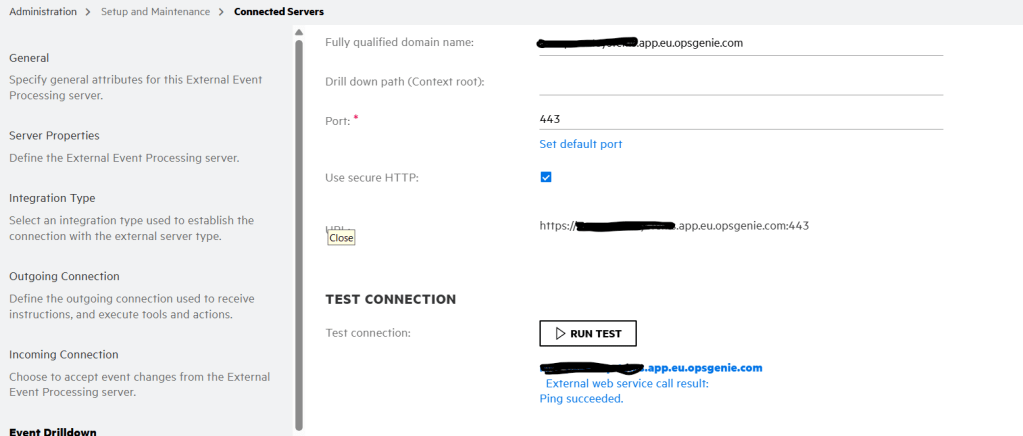
Make sure connection is successful
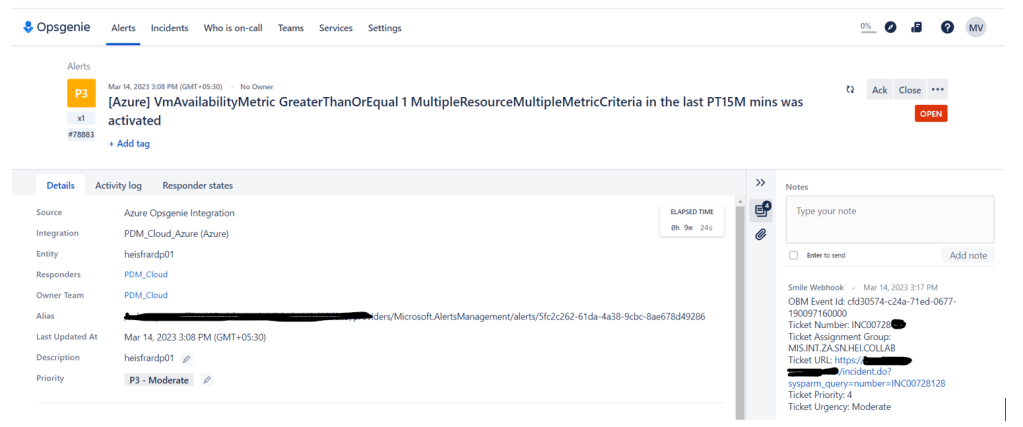
Results:
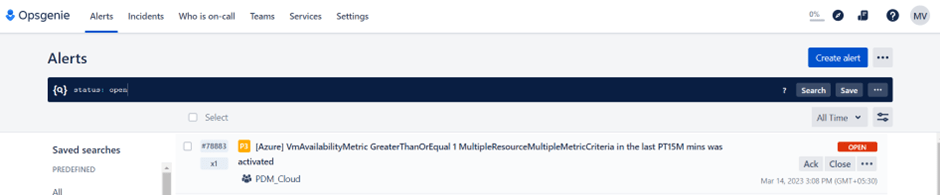
Alert received in Opsgenie:
Event in OBM and Ticket information updated in it from SNOW:

Ticket details update in Opsgenie:
Hope you like it..! Cya soon with new post.
Thank you.
Vidyasagar Machani
 Telemetry Compass
Leave a comment